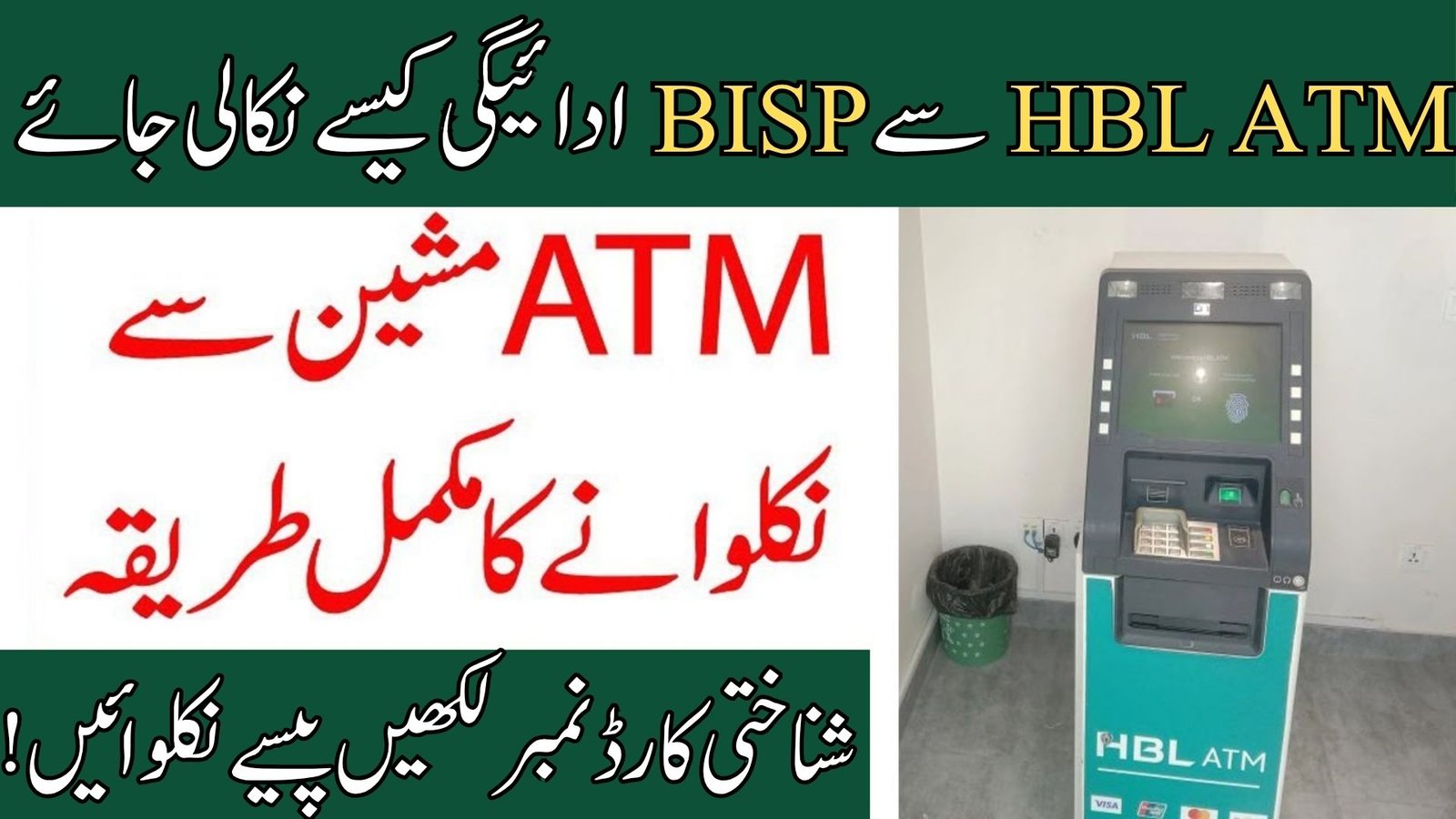
Withdraw BISP Payment from HBL ATM
The Benazir Income Support Programme has introduced an easy and secure method for beneficiaries to withdraw their financial assistance through HBL ATM machines. Women registered under the BISP Kafalat Program can now receive their payments without standing in long queues at campsites or payment centers. This ATM withdrawal system helps beneficiaries get their money safely through biometric verification.
BISP payments are released in different phases, and eligible families can collect their amount after receiving confirmation from the official 8171 system. Before visiting the ATM, beneficiaries should ensure that their CNIC is valid and their payment has been issued successfully.
Requirements for Withdraw BISP Payment from HBL ATM
Before withdrawing your BISP payment from an HBL ATM, keep the following things ready:
| Requirement | Details | Purpose |
|---|---|---|
| Original CNIC | Valid computerized national identity card | Identity verification |
| Registered BISP Account | Approved under BISP Kafalat Program | Payment eligibility |
| Biometric Verification | Thumb impression required | Secure withdrawal process |

Step-by-Step Method to Withdraw BISP Payment from HBL ATM
Visit the Nearest HBL ATM
First, visit any nearby HBL ATM that provides BISP or Ehsaas payment withdrawal services. Make sure the ATM machine is working properly before starting the process.
Select BISP or Ehsaas Payment Option
On the ATM screen, choose the option related to BISP or Ehsaas Program payments. This option is specially added for government financial assistance beneficiaries.
Enter Your CNIC Number
Carefully enter your 13-digit CNIC number without spaces or dashes. Incorrect information may cause verification failure.
Complete Biometric Verification
Place your thumb on the fingerprint scanner attached to the ATM machine. Your biometric data will be verified through the NADRA system for security purposes.
Check Available Payment Balance
After successful thumb verification, the available BISP balance will appear on the ATM screen. You can confirm your payment amount before withdrawal.
Withdraw Your Cash
Select the withdrawal option and enter the amount you want to receive. Collect your cash carefully from the ATM machine.
Take the Receipt
Always collect the printed receipt after completing the transaction. The receipt can help you in case of any complaint or payment issue later.
Important Instructions for Beneficiaries
Beneficiaries should never share their CNIC number, biometric details, or transaction information with anyone. Always use official HBL ATM machines for payment withdrawal.
If your fingerprint is not verified successfully, visit the nearest NADRA office or BISP center for biometric updates. Sometimes ATM machines may face network or cash shortage issues, so beneficiaries should try another nearby ATM in such situations.
If cash is not received after a successful transaction, immediately contact the nearest HBL branch or register a complaint through official BISP support channels.
Benefits of Withdrawing BISP Payments Through HBL ATM
The HBL ATM withdrawal system provides a safe, transparent, and convenient payment method for beneficiaries. Women can withdraw payments independently without agents or middlemen. The biometric verification system also reduces fraud and unauthorized withdrawals.
This method saves time, improves payment security, and allows beneficiaries to access their funds quickly from different ATM locations across Pakistan.
FAQs – Withdraw BISP Payment from HBL ATM
Can I withdraw BISP payment without biometric verification?
No, biometric thumb verification is compulsory for all BISP ATM withdrawals.
Which ATM is used for BISP payment withdrawal?
Selected HBL ATM machines are used for BISP and Ehsaas Program payments.
What should I do if my fingerprint does not match?
You should visit the nearest NADRA office or BISP center for biometric verification updates.
Is there any fee for withdrawing BISP payments?
No, official BISP ATM withdrawals are completely free for beneficiaries.
How can I check my BISP payment status?
You can check your eligibility and payment details through the official government portal.
Official Registration and Payment Portal
For registration, payment status, and eligibility verification, visit the official government website below: